



About the course
This course introduces the workflow for modelling a steel footbridge structure using SOFiSTiK.
Starting from a practical example, you will define the design code, materials, and cross-sections before creating the structural geometry using geometric axes and structural elements. The tutorial demonstrates how to model the bridge deck, assign supports, and define loads such as self-weight. After building the structural system, you will perform structural analysis and review the bridge model’s behaviour.
By following this step-by-step process, you will learn how to create a consistent bridge analysis model and evaluate structural performance within a professional SOFiSTiK workflow.
Happy Learning!
What you'll learn
- Create bridge analysis models using geometric axes and structural elements
- Define materials and cross-sections for bridge structures
- Model bridge decks as structural areas and assign supports
- Perform structural analysis and evaluate bridge behaviour
- Use CADiNP to define and control modelling and analysis workflows
Course content
Instructors
Enrolment options
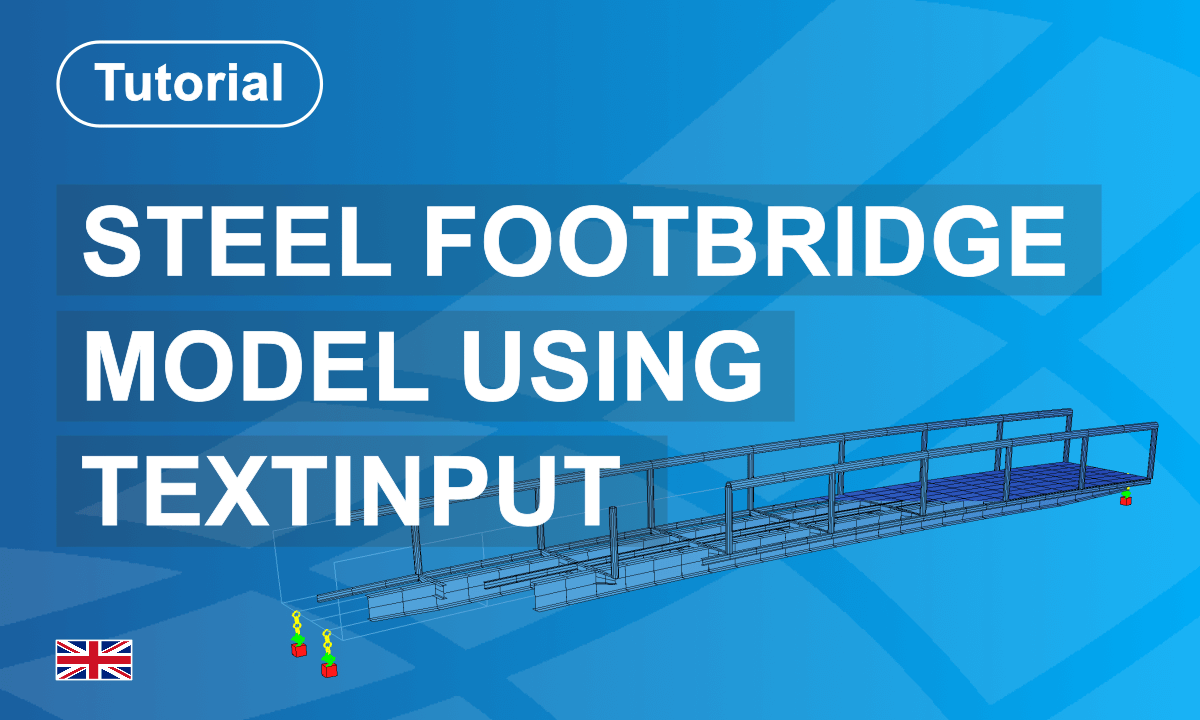
Model a Steel Footbridge using Text Input
This course introduces the workflow for modelling a steel footbridge structure using SOFiSTiK.
Starting from a practical example, you will define the design code, materials, and cross-sections before creating the structural geometry using geometric axes and structural elements. The tutorial demonstrates how to model the bridge deck, assign supports, and define loads such as self-weight. After building the structural system, you will perform structural analysis and review the bridge model’s behaviour.
By following this step-by-step process, you will learn how to create a consistent bridge analysis model and evaluate structural performance within a professional SOFiSTiK workflow.
Happy Learning!
- Non-editing teacher: Guido Altersberger
- Enrolled students: 22
Self enrolment as 'Student'
- Language: English
- Level: Expert
- Duration : 1 Hour
- Platform: Text Input
- Application: Teddy
This course includes
Learning Module
Resources