


About the course
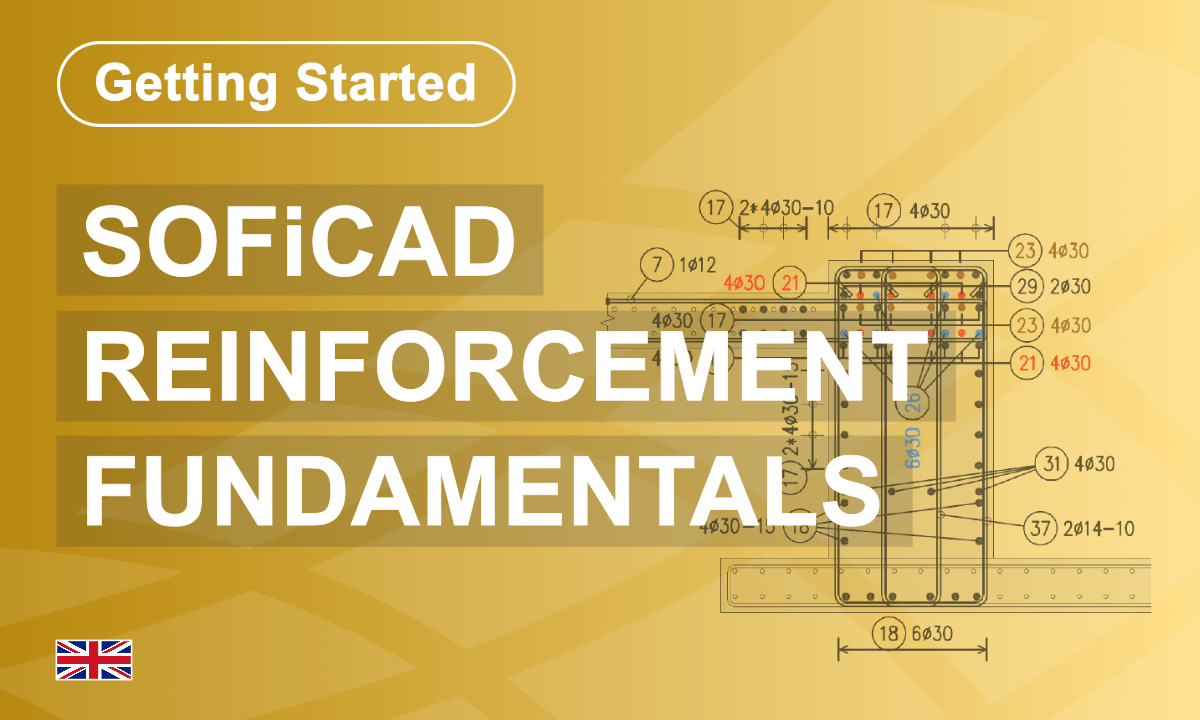
Learn the complete reinforcement workflow from creating bar shapes, rebar sets, mesh fields and stirrup meshes to editing reinforcement, assigning members, customizing labels and generating reinforcement schedules. You create reinforcement using formwork references, manage bar marks, apply productivity tools such as copy, mirror and stretch, and produce accurate schedules for fabrication and documentation. The training also covers difference schedules for revisions, total quantity summaries, BVBS export, DXF insertion, DOCX-based schedule generation and template customization. By the end, you can efficiently prepare, update and document reinforcement drawings using practical engineering workflows.
What you'll learn
- Create rebar shapes from formwork references and free points
- Generate and manage rebar sets, pointers and bar marks
- Create and optimize mesh fields and custom mesh types
- Customize labels, styles and reinforcement graphics
- Produce reinforcement schedules, revision schedules and quantity reports
Course content
Instructors
Access Learning Content
SOFiCAD Reinforcement Fundamentals
Learn the complete reinforcement workflow from creating bar shapes, rebar sets, mesh fields and stirrup meshes to editing reinforcement, assigning members, customizing labels and generating reinforcement schedules. You create reinforcement using formwork references, manage bar marks, apply productivity tools such as copy, mirror and stretch, and produce accurate schedules for fabrication and documentation. The training also covers difference schedules for revisions, total quantity summaries, BVBS export, DXF insertion, DOCX-based schedule generation and template customization. By the end, you can efficiently prepare, update and document reinforcement drawings using practical engineering workflows.
- Non-editing teacher: Nivedita Kumar
- Enrolled students: 24
Self enrolment as 'Student'
- Language: English
- Level: Beginner
- Duration : 1.5 Hours
- Platform: AutoCAD
- Application: SOFiCAD
- Version: 2026
This course includes
Quizzes
Resources