



About the course
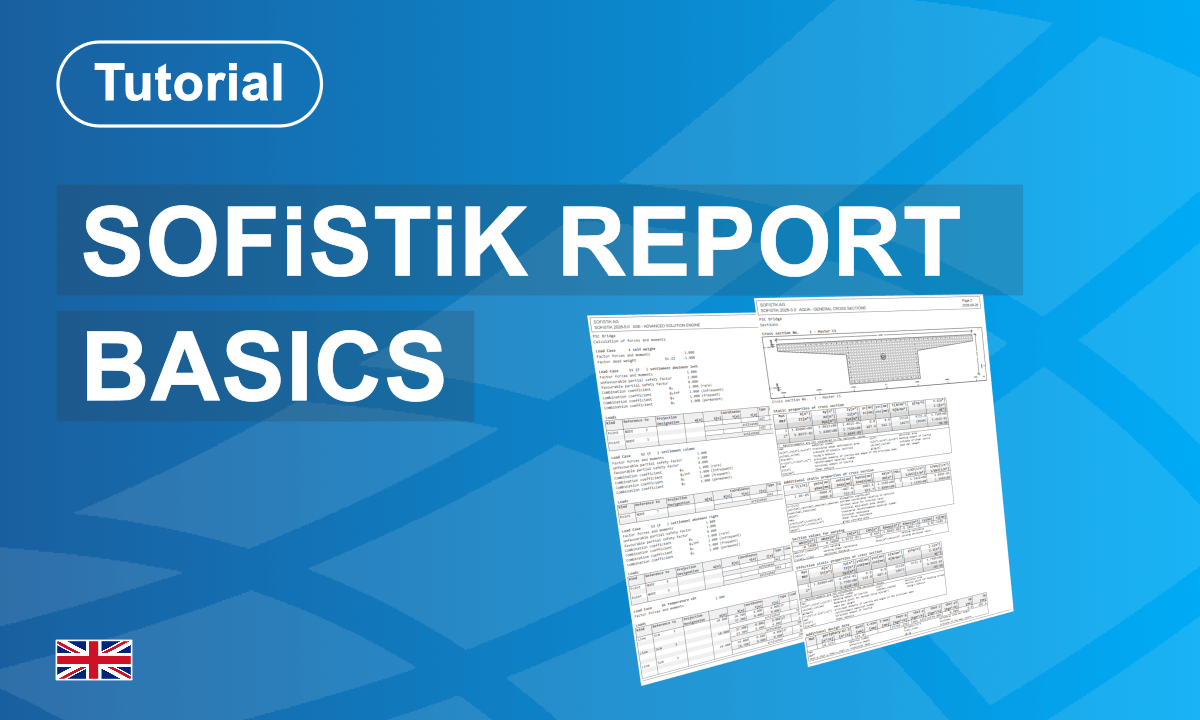
Learn how to create, review, optimize, and export a complete project report. You clean the SSD task tree, regenerate reports from the beginning of the workflow, and ensure all relevant project data is included. You explore Report Browser functions such as chapter management, warning and error review, critical value checks, table of contents generation, page frame settings, and printing options. You also learn how to export reports to DOCX format, apply templates, generate task-specific DOCX files, and create a complete editable report package suitable for checking, documentation, and project delivery workflows.
What you'll learn
- Create and organize an overall project report
- Manage chapters and report visibility in Report Browser
- Review warnings, errors, and critical design checks
- Configure report layouts, page frames, and printing options
- Export reports to DOCX and prepare editable documentation
Course content
Instructors
Enrolment options
Creation and Export of Reports
Learn how to create, review, optimize, and export a complete project report. You clean the SSD task tree, regenerate reports from the beginning of the workflow, and ensure all relevant project data is included. You explore Report Browser functions such as chapter management, warning and error review, critical value checks, table of contents generation, page frame settings, and printing options. You also learn how to export reports to DOCX format, apply templates, generate task-specific DOCX files, and create a complete editable report package suitable for checking, documentation, and project delivery workflows.
- Non-editing teacher: György Schmidt
- Enrolled students: 5
Self enrolment as 'Student'
- Language: English
- Level: All Levels
- Duration : 1 Hour
- Application: Report Browser
This course includes
Resources