


About the course
Learn how to create efficient reinforcement designs directly in Autodesk Revit using advanced reinforcement detailing tools. The webinar demonstrates reinforcement placement, bar and mesh reinforcement workflows, automatic labeling, bending schedules, reinforcement templates, bar staggering, lap splices, production exports, and plan generation. You will see how parametric reinforcement behaves when geometry changes, how reinforcement standards are supported, and how reinforcement can be transferred between structural elements. The session also shows workflows for slabs, walls, beams, and columns, including schedule generation, machine-readable exports, and integration with structural analysis workflows.
What you'll learn
- Create parametric reinforcement layouts in Autodesk Revit
- Generate reinforcement schedules and bending lists
- Apply reinforcement templates and automated detailing workflows
- Manage reinforcement labeling, numbering, and documentation
- Export reinforcement data for fabrication and production
Course content
Sections: 1
•Activities: 0
•Resources: 1
Instructors
Access Learning Content
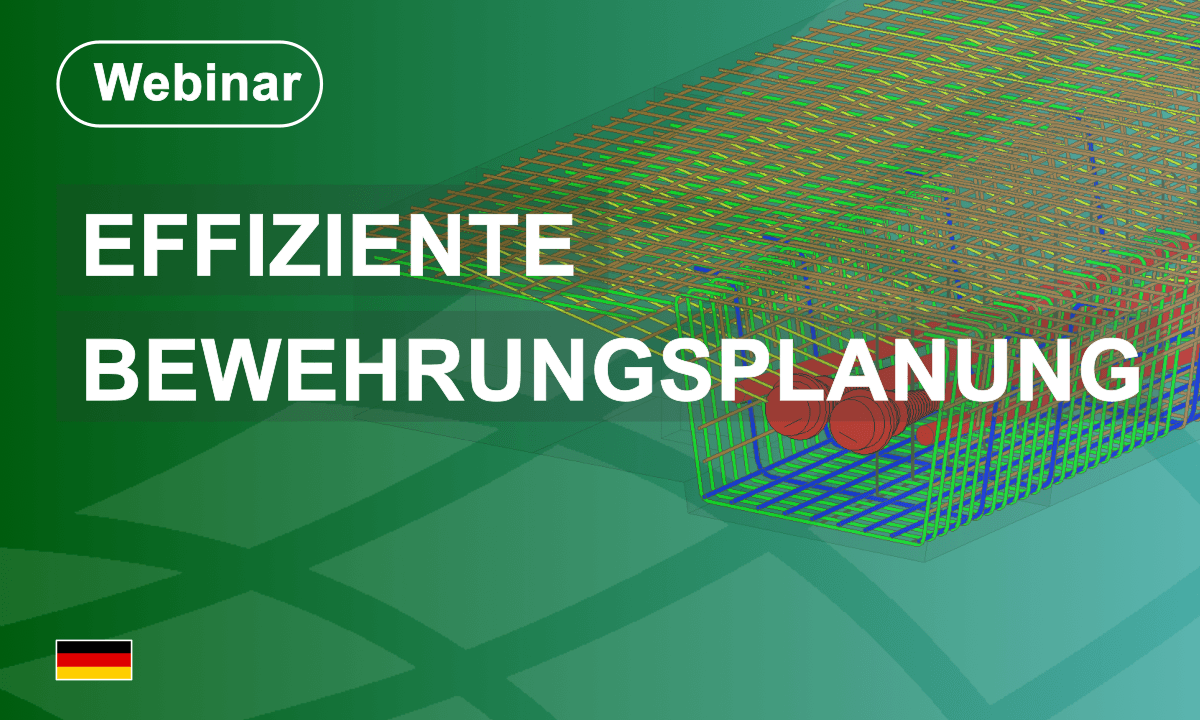
Efficient Reinforcement Detailing in Revit
Course modified date: 22 October 2026
Learn how to create efficient reinforcement designs directly in Autodesk Revit using advanced reinforcement detailing tools. The webinar demonstrates reinforcement placement, bar and mesh reinforcement workflows, automatic labeling, bending schedules, reinforcement templates, bar staggering, lap splices, production exports, and plan generation. You will see how parametric reinforcement behaves when geometry changes, how reinforcement standards are supported, and how reinforcement can be transferred between structural elements. The session also shows workflows for slabs, walls, beams, and columns, including schedule generation, machine-readable exports, and integration with structural analysis workflows.
- Enrolled students: 2
Self enrolment as 'Student'
Guests cannot access this course. Please log in.
- Language: German
- Level: All Levels
- Duration : 1 Hours
- Platform: Revit
- Application: Reinforcement
- Version: 2027
This course includes
Resources