



About the course
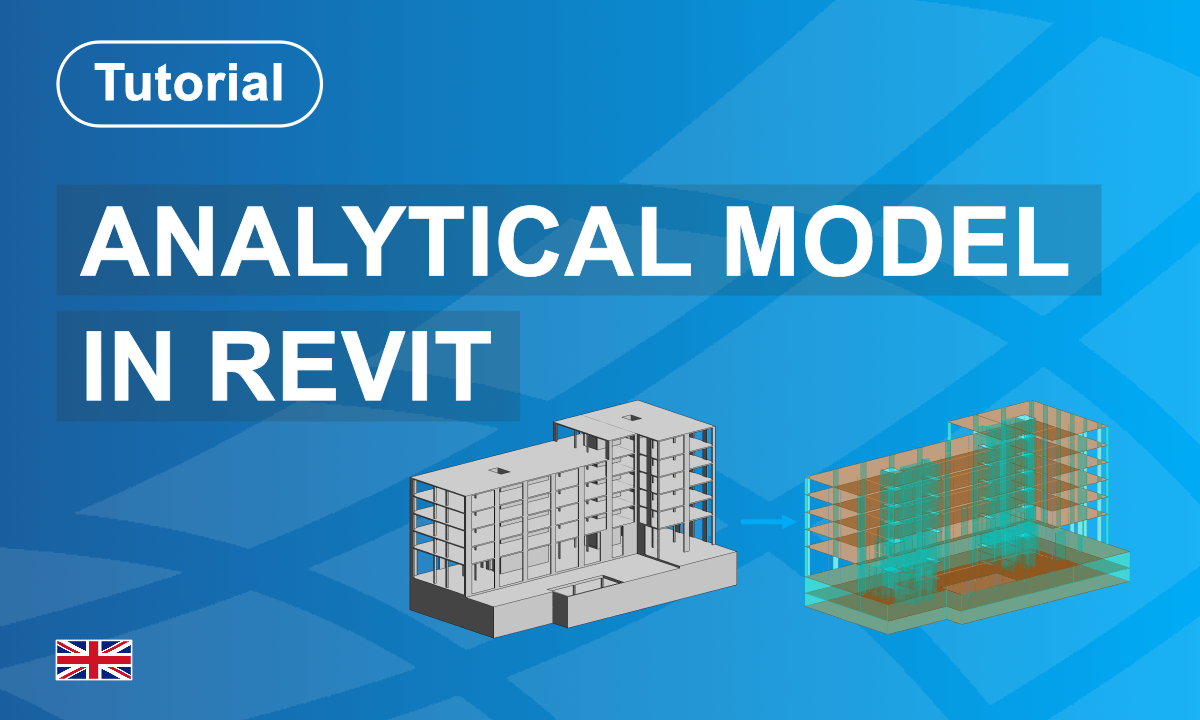
This written tutorial explains how to work with analytical models in Autodesk Revit and prepare structural elements for reliable analysis workflows.
It covers the relationship between physical and analytical representations, demonstrates how to detect inconsistencies, and shows how to adjust element connectivity for walls, slabs, beams, and columns. Special attention is given to alignment settings, analytical correction tools, and model preparation before export to SOFiSTiK Structural Desktop.
The tutorial supports a clear understanding of how analytical behaviour is represented inside Revit and how to improve model quality before structural analysis.
What you'll learn
- Understand how analytical models are generated in Revit
- Detect and resolve analytical model inconsistencies
- Adjust analytical alignment of structural components
- Improve connectivity between analytical elements
- Prepare models for reliable structural analysis export
Course content
Instructors
Enrolment options
Analytical Modeling in Revit
This written tutorial explains how to work with analytical models in Autodesk Revit and prepare structural elements for reliable analysis workflows.
It covers the relationship between physical and analytical representations, demonstrates how to detect inconsistencies, and shows how to adjust element connectivity for walls, slabs, beams, and columns. Special attention is given to alignment settings, analytical correction tools, and model preparation before export to SOFiSTiK Structural Desktop.
The tutorial supports a clear understanding of how analytical behaviour is represented inside Revit and how to improve model quality before structural analysis.
- Non-editing teacher: Florian Hemetsberger
- Enrolled students: 8
Self enrolment as 'Student'
- Language: English
- Level: Beginner
- Duration : 30 Minutes
- Platform: Revit
- Application: Analytical Model Generator
- Version: 2025
This course includes
Resources